
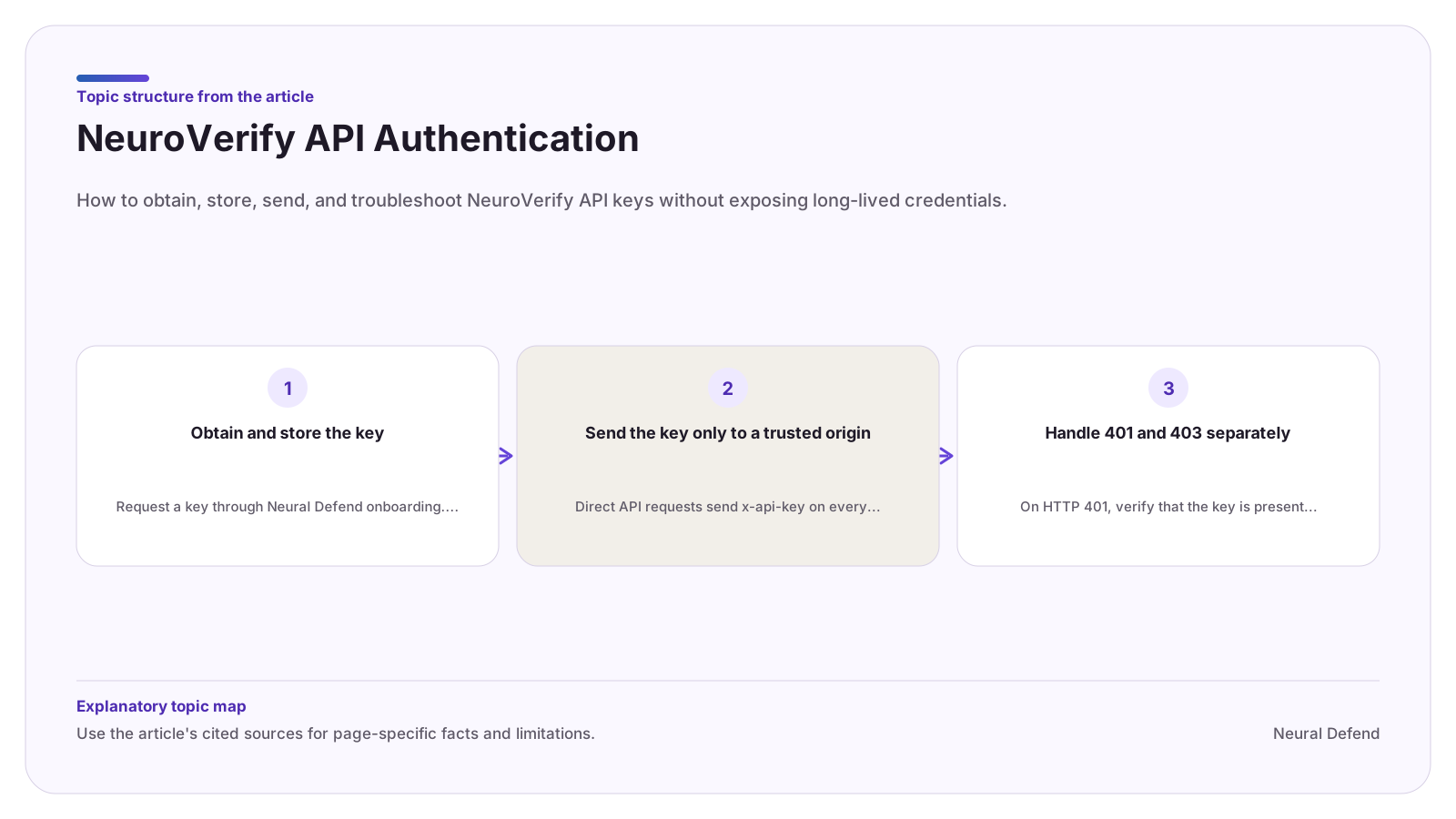
Obtain and store the key
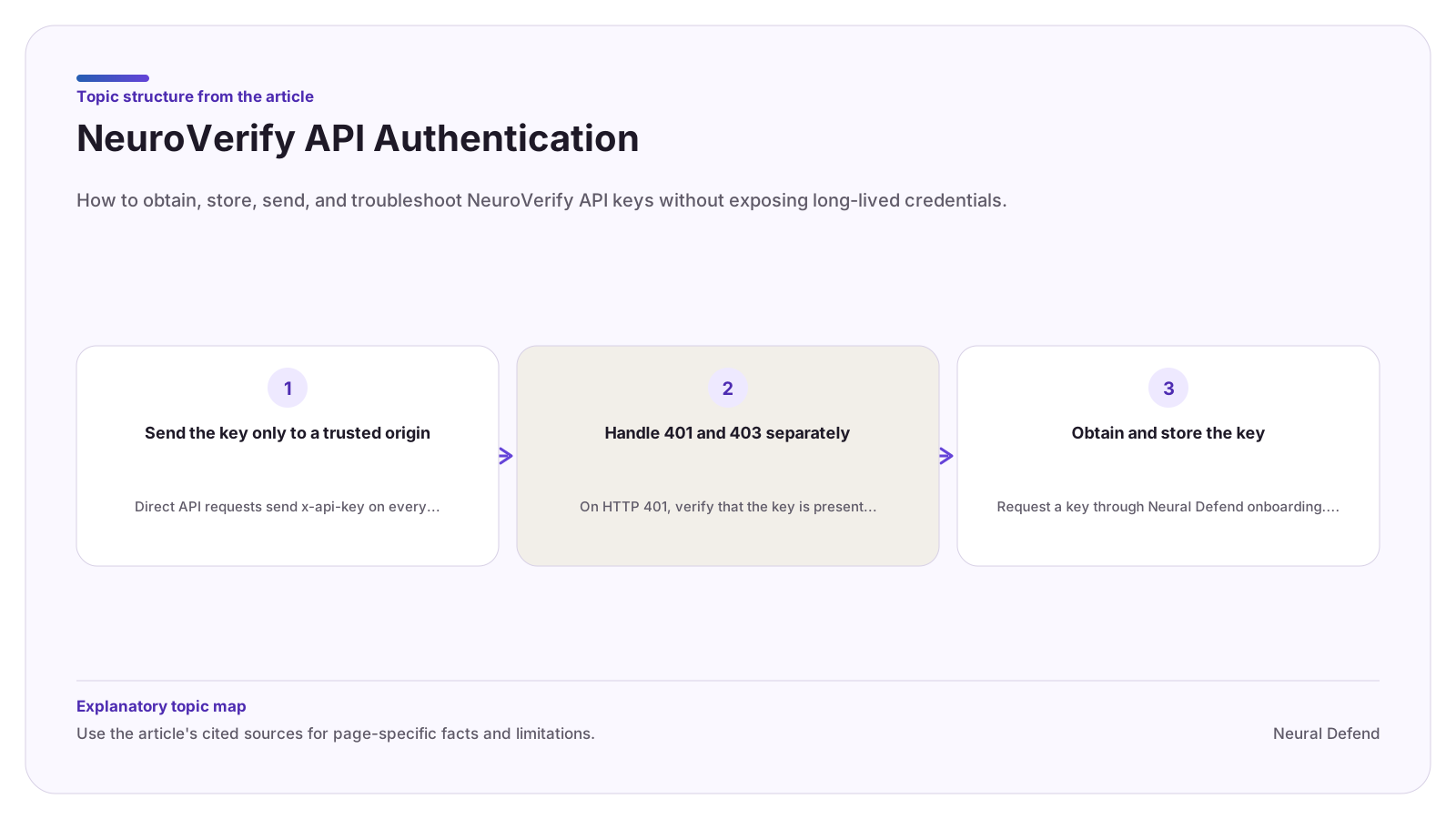
Request a key through Neural Defend onboarding. Existing customers can contact support for staging credentials or endpoint scope questions. Store the key in a managed secret store or a server-side environment variable and make it available only to the process that performs the upload.
The Python, Node.js, and MCP guides use NEURALDEFEND_API_KEY. An explicitly passed SDK key can override the environment value, so make environment selection visible in deployment configuration and tests.
Send the key only to a trusted origin
Direct API requests send x-api-key on every operation. Use the production or staging origin listed in the OpenAPI contract. Official SDKs restrict custom origins unless an explicit opt-in is used and do not follow redirects that could forward credentials or media.
Do not log the header. Redact credentials from client representations, diagnostics, traces, and support bundles. If a key may have been exposed, rotate it through the account process.
Handle 401 and 403 separately
On HTTP 401, verify that the key is present, current, and intended for the selected environment. Correct the credential before another request. Blind retries repeat the same failure.
On HTTP 403, the key is valid but not authorized for that endpoint or scope. Contact the account owner or Neural Defend support rather than changing request fields or adding retries.
Evidence boundary
Limitations
- Public documentation does not define key lifetime, rotation cadence, tenant roles, browser token issuance, or endpoint entitlements for a specific account.
Source record