
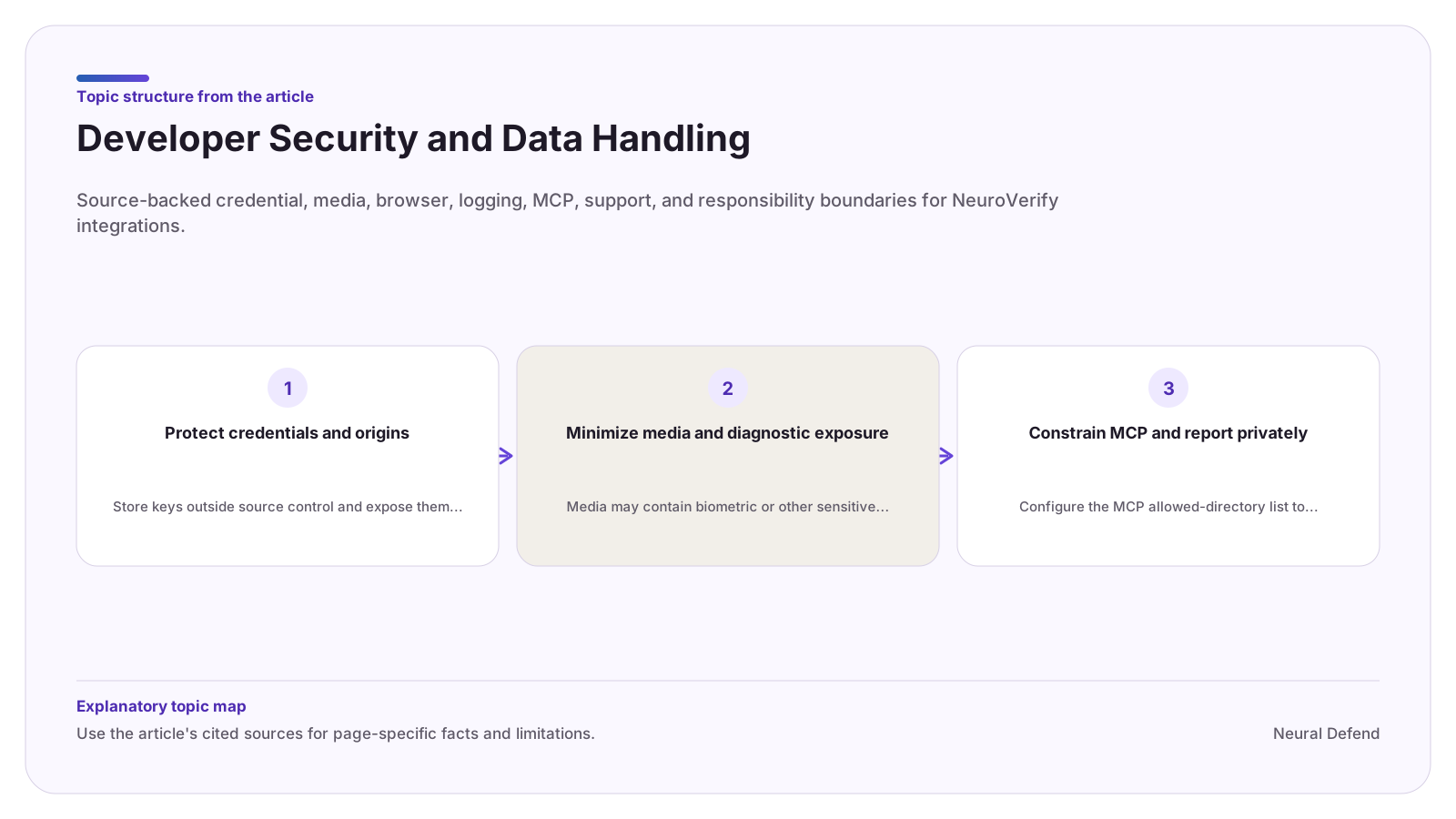
Protect credentials and origins
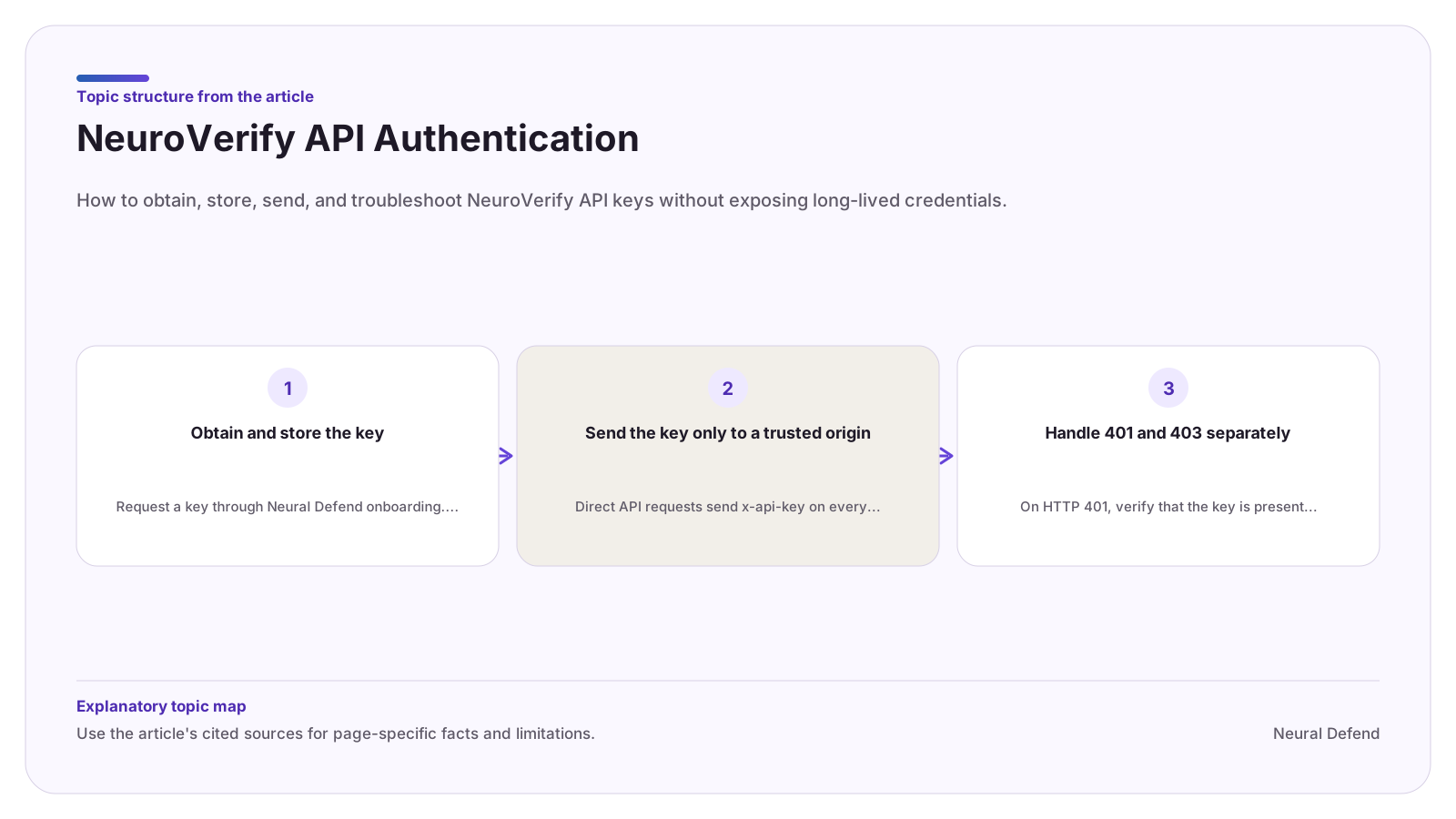
Store keys outside source control and expose them only to the service process that uploads media. Use production keys with the production origin and staging keys with the staging origin. Official clients reject arbitrary origins unless an explicit custom-origin opt-in is used.
For browser applications, keep the onboarding-issued key on your backend. The TypeScript guide allows direct browser use only when Neural Defend has explicitly approved a browser-exposable credential for the tenant.
Minimize media and diagnostic exposure
Media may contain biometric or other sensitive personal data. Confirm authority for the specific upload and apply purpose limitation, access controls, retention, deletion, and regional handling based on your obligations and contract.
Do not routinely log media bytes, API keys, local paths, filenames, raw payloads, or response headers. Store the transaction identifier and bounded normalized fields when they are sufficient for audit and support correlation.
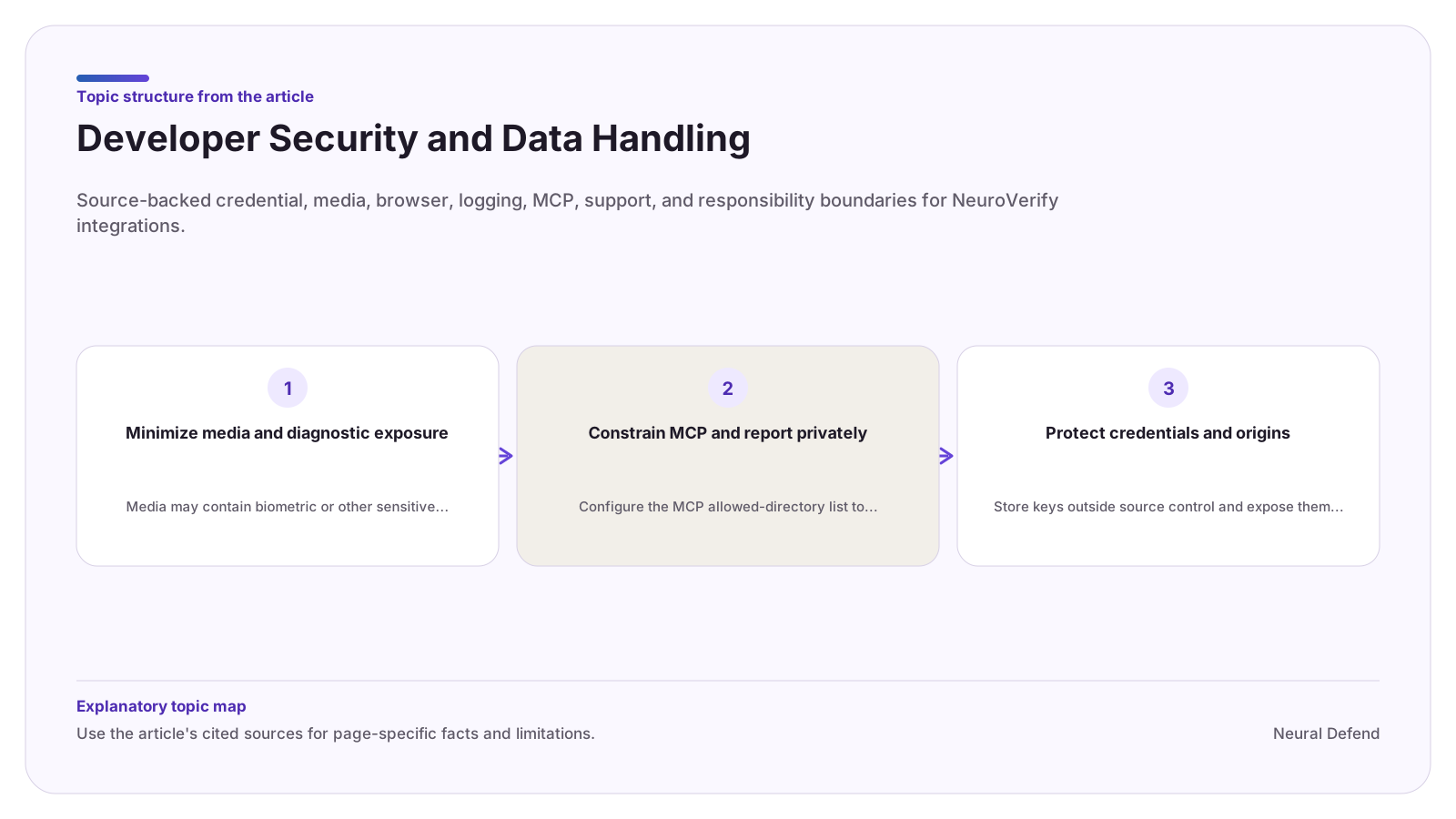
Constrain MCP and report privately
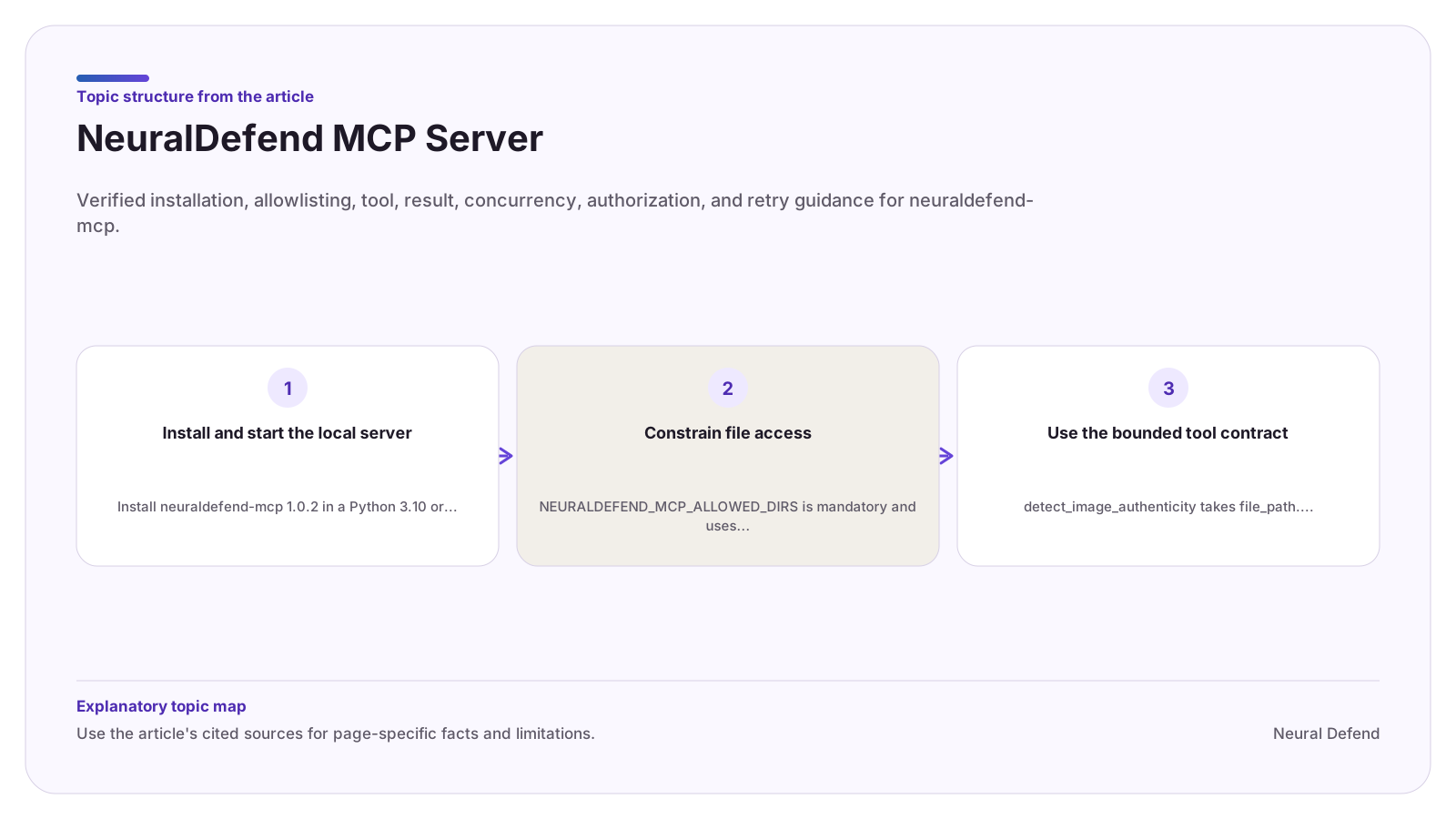
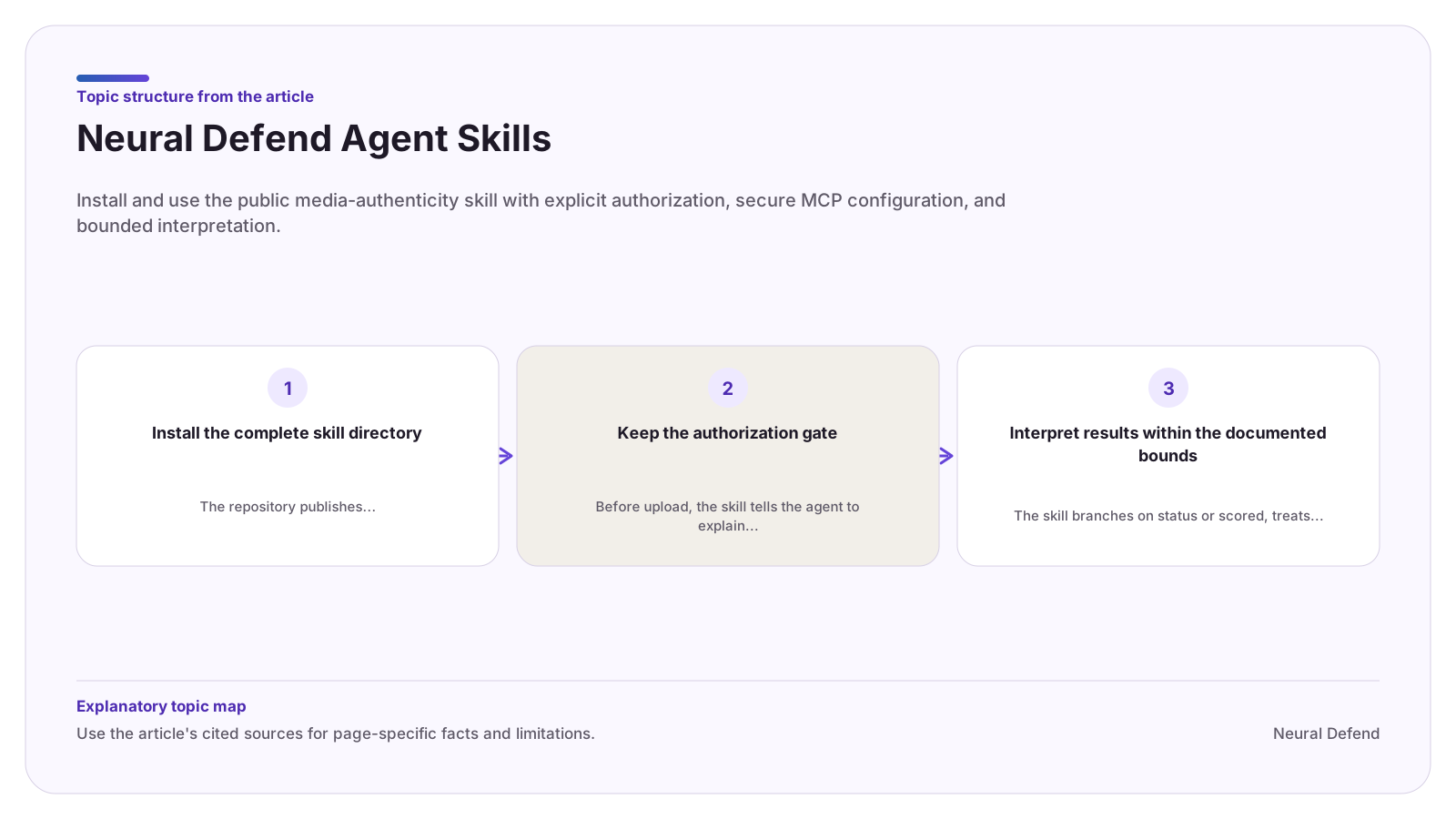
Configure the MCP allowed-directory list to purpose-specific existing absolute directories. Do not point it at a filesystem root or a broad home directory. Filesystem access alone is not authorization to upload.
Send suspected vulnerabilities privately to support@neuraldefend.com with the affected package and version, reproduction steps, observed impact, and a safe contact method. Do not put real keys, customer media, biometric data, or other personal data in the report.
Evidence boundary
Limitations
- Public sources reviewed here do not establish customer-specific retention, deletion, residency, encryption, certification, audit, or contractual security commitments.
Source record