
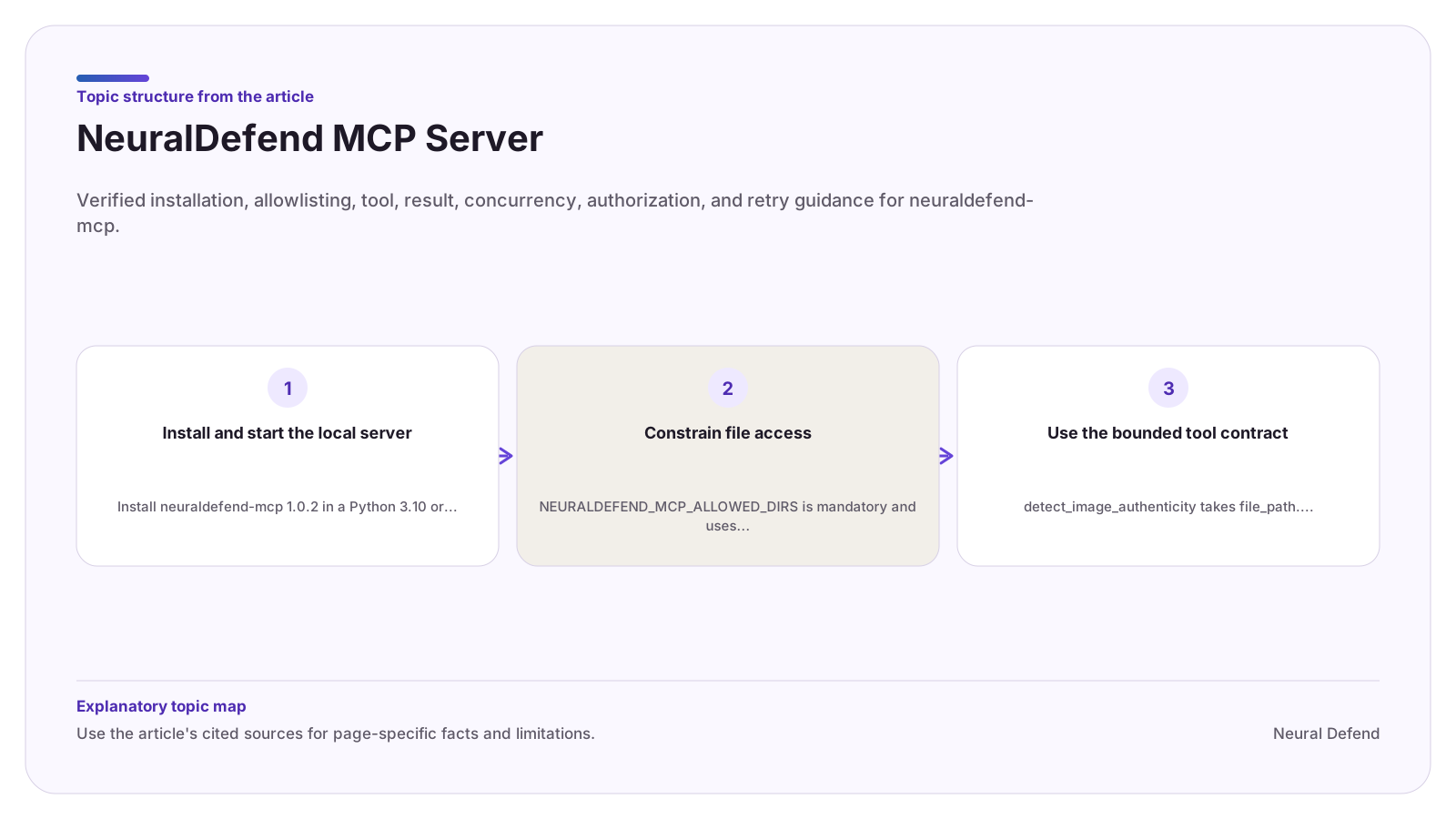
Install and start the local server
Install neuraldefend-mcp 1.0.2 in a Python 3.10 or newer environment. The package installs the neuraldefend-mcp command and also supports the python -m neuraldefend_mcp entry point.
The MCP client launches the command as a child process and communicates over stdio. Configure the API key, allowed directories, production or staging environment, and optional maximum concurrency in that child process environment.
Constrain file access
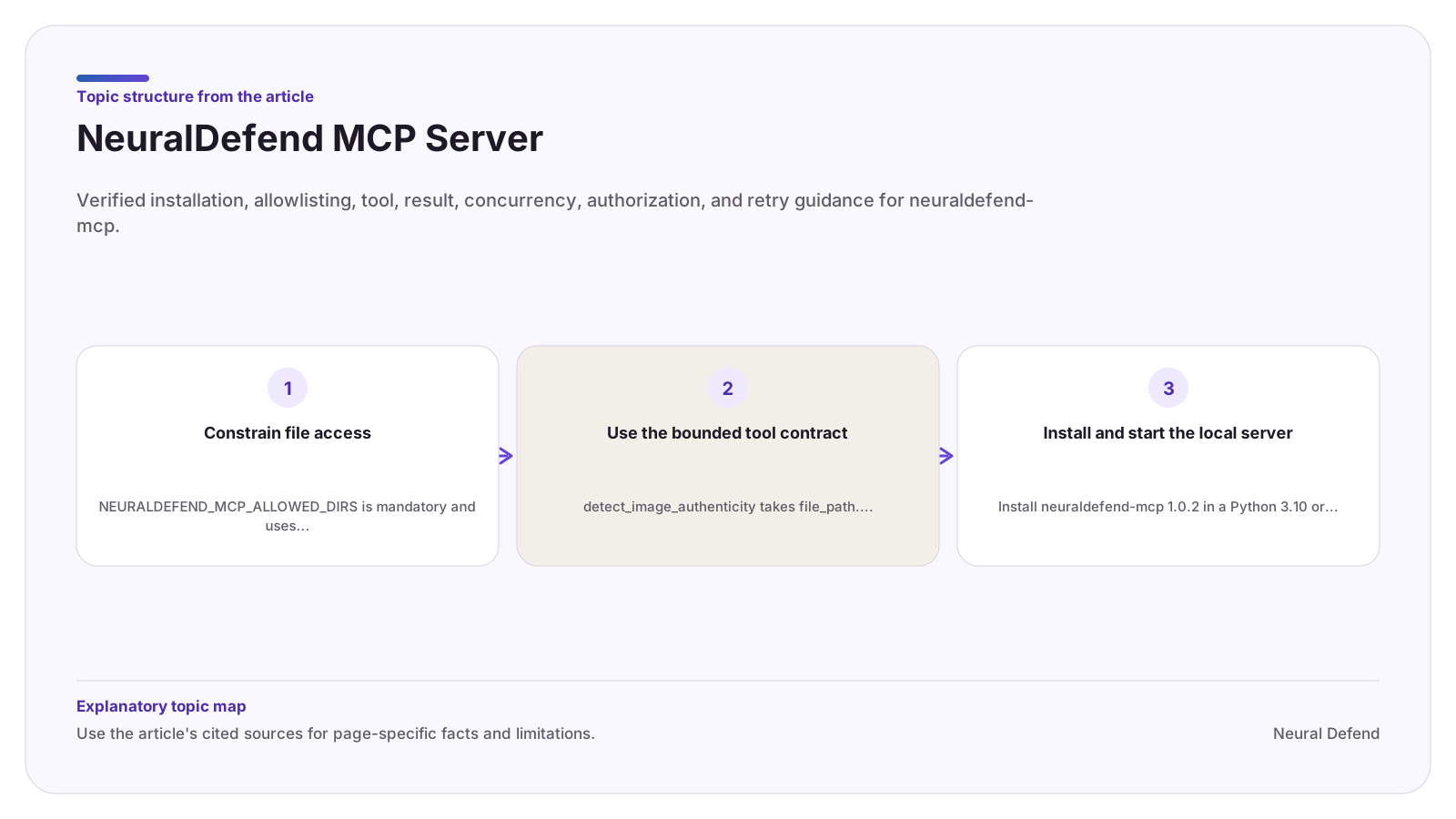
NEURALDEFEND_MCP_ALLOWED_DIRS is mandatory and uses the platform path separator for multiple roots. Choose purpose-specific directories, not a filesystem root or broad home directory. The server rejects linked or reparse-point paths and verifies that the opened file remains within an allowed root.
Before a tool call, confirm upload authorization, the selected file, the intended tool, and the potential billable transaction. Filesystem visibility is not consent to upload.
Use the bounded tool contract
detect_image_authenticity takes file_path. detect_video_authenticity takes file_path and optional max_frames, which defaults to 12. Standalone audio is not exposed as a v1 tool; audio analysis occurs when an uploaded video contains an audio track.
Use structuredContent for automation. It distinguishes success, rejected, and error, preserves modality fields, and provides a conservative retryable indicator for errors. The MCP layer adds no retries, so a manual retry remains a new non-idempotent invocation.
Evidence boundary
Limitations
- The MCP server analyzes only explicitly allowed local image or video files and does not provide a standalone audio-analysis tool in the documented v1 contract.
Source record