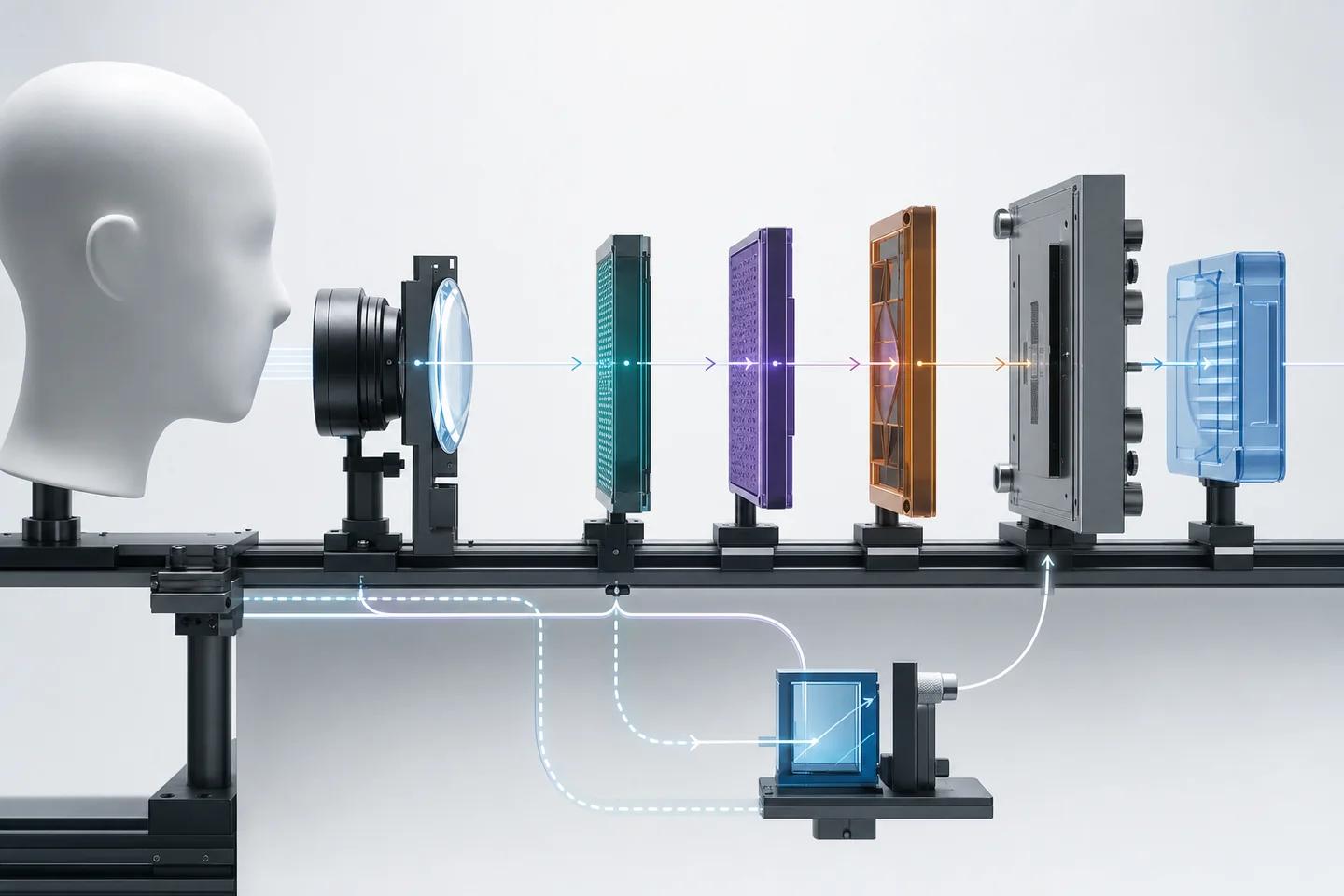

What is a virtual camera attack?
A virtual camera attack is an identity verification bypass in which the attacker feeds the verification flow from a software camera instead of a physical one. Virtual camera software installs a driver that the operating system lists alongside real webcams. When a browser calls the camera API or a desktop app opens a capture device, it can receive the virtual device and whatever stream the attacker routes into it.
The software itself is common and legitimate. Streamers and video conferencing users rely on virtual cameras to add overlays or switch scenes. In an attack, the stream is a recorded video of the victim, a generated face or a real-time face swap that follows the attacker's head movements. Because the flow believes it is receiving a camera, nothing in the capture step looks unusual.
Virtual camera injection is one form of digital injection attack, alongside emulators, app hooking and API replay. The broader explainer on digital injection attacks compares all four; this page focuses on virtual cameras in web and desktop flows.
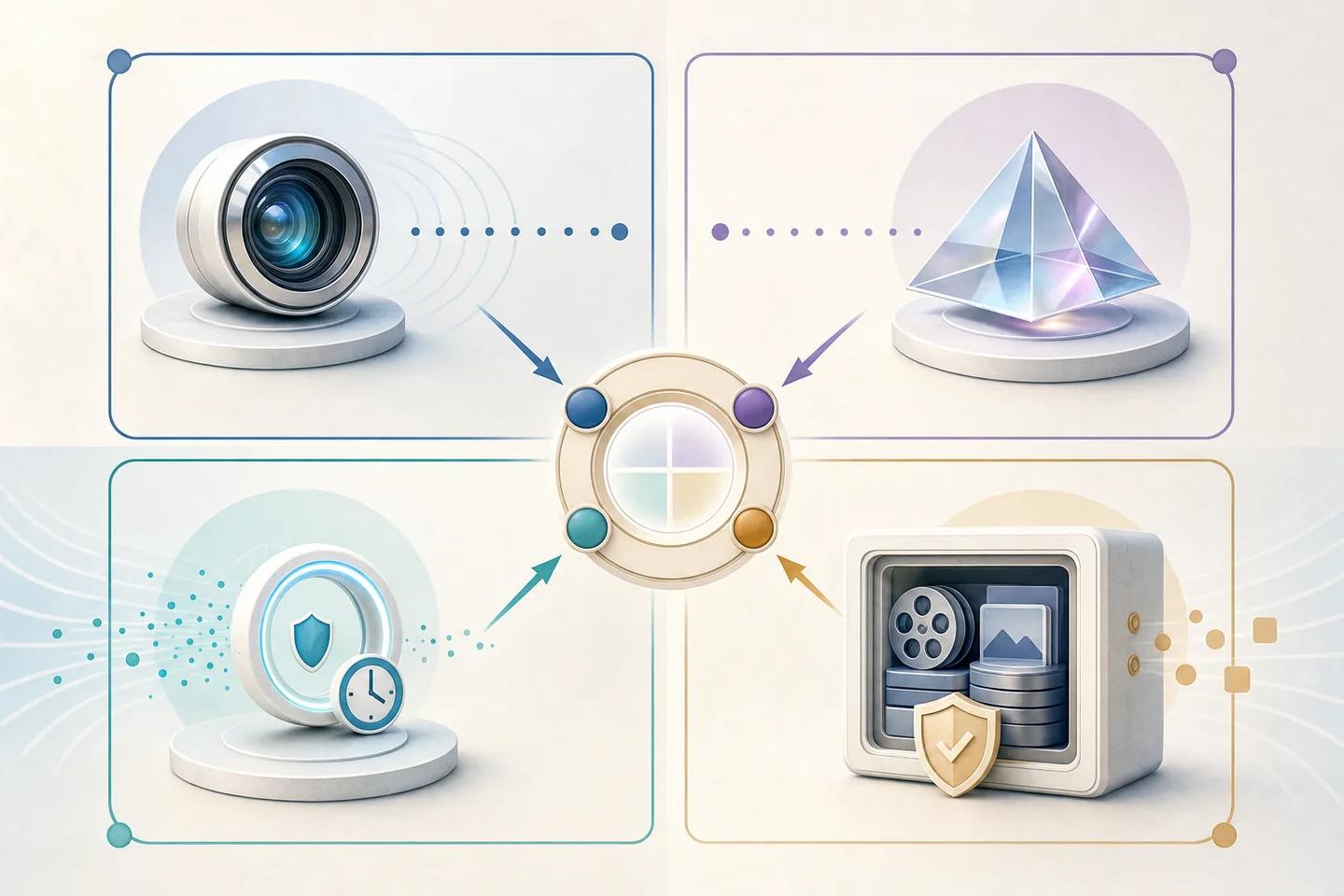
How do virtual-camera injection attacks affect verification?
Virtual camera attacks affect verification by removing the guarantee that a real sensor captured a real scene. Every downstream check then runs on media the attacker chose. Face matching compares the injected face with the ID photo and reports a match. Passive presentation attack detection looks for prints, screens and masks and finds none, because no physical object was filmed.
Active liveness is weakened too. If the flow asks for a head turn or a blink, a real-time face swap can perform it, since the attacker is moving in front of their own camera and the software maps the victim's face onto them. FinCEN's alert FIN-2024-Alert004 notes that some identity verification solutions flag third-party webcam plugins precisely because they let a customer display previously generated video rather than live video.
Mobile app flows are less exposed, because native apps can request the device's own camera and use platform attestation. Web flows, desktop apps and any flow that accepts a laptop webcam carry the most risk.
How do you detect a virtual camera feed?
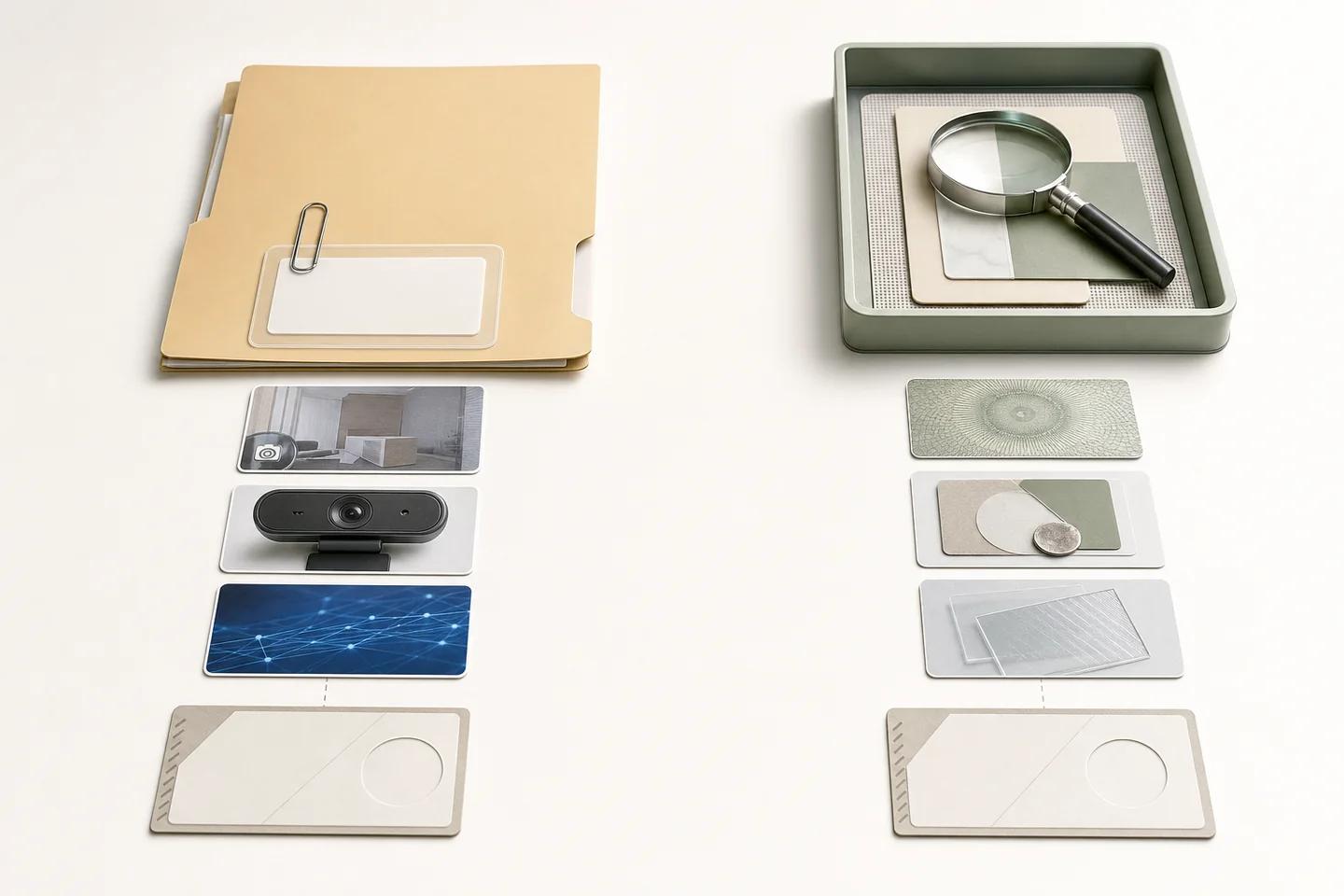
You detect a virtual camera feed by checking three things: what device the stream claims to come from, whether the stream behaves like a physical sensor, and whether the frames show manipulation. No single check is reliable alone, because attackers rename drivers and tune stream properties.
Source checks come first. On the web, the camera list a browser exposes includes device labels, and known virtual camera products can be flagged by name or behaviour. Desktop apps can inspect the driver more deeply. These checks are cheap and catch unsophisticated attempts, but a renamed or custom driver can pass them.
Stream behaviour adds evidence. Physical sensors produce noise, small timing variation and characteristic responses to lighting changes; a file played through a virtual device can be too clean, too regular or locked to an exact resolution and frame rate. A server-issued challenge bound to the session, such as a random colour flash or prompted movement, forces the stream to react to something the attacker could not have pre-recorded.
Frame analysis is the last layer and the one that still works when the source looks legitimate. Manipulation and generation models examine the face for swap boundaries, generative artifacts and pixel-level edits, whatever device delivered it. To test the whole stack, CEN/TS 18099:2024, valid since 16 December 2024, describes how to build a test plan for injection attack detection, and the FIDO Alliance Face Verification certification includes injection attacks among the threats it tests.
| Layer | What it catches | How attackers evade it |
|---|---|---|
| Device and driver checks | Known virtual camera products by name or signature | Renamed or custom drivers |
| Stream behaviour analysis | Unnaturally clean, regular or fixed streams from files | Adding noise and jitter to the stream |
| Bound server challenge | Pre-recorded video that cannot respond to a fresh prompt | Real-time face swaps that follow prompts |
| Frame manipulation analysis | Face swaps, generated faces, pixel-level edits | Unedited recordings of the real person, which need freshness controls |
Controls that reduce virtual camera injection
NIST SP 800-63A-4 requires remote proofing services to implement technical controls that increase confidence digital media comes from a genuine sensor, giving detection of virtual cameras and emulators as examples, and to analyse submitted media for manipulation. It recommends authenticating capture sensors or using device attestation where possible. In practice that becomes a short list:
- Prefer native mobile capture with platform attestation for high-risk steps, and steer web users to the mobile flow.
- On web and desktop, inspect the camera source and block or step up known virtual camera products under a written policy.
- Issue a random, single-use challenge from the server and verify the response in the captured frames.
- Run manipulation and generation analysis on every selfie and liveness video.
- Watch for behaviour FinCEN flags: webcam plugins, repeated claimed glitches and requests to switch channel mid-check.
- Test the flow with virtual camera tools carrying both deepfakes and genuine recordings, and record false negatives per tool.
Where NeuroVerify fits against virtual camera streams
NeuroVerify analyses the frames your flow receives, whichever device sent them. One request runs six signals, including Live Presence Verification, Face Manipulation Detection, AI Generative Model Analysis and AI Pixel-Level Manipulation, and returns one unified risk score with signal-level evidence. Eligible image requests complete in under 200 ms p95 under defined test conditions, so the check fits inside a live capture step.
NeuroVerify does not inspect the user's device or identify virtual camera drivers. Device and browser signals should come from your capture SDK, attestation or fraud tooling, and your policy combines them with NeuroVerify's result. That split matches the NIST approach: confidence in the sensor plus analysis of the media.
The detection models build on ARCAS 1B, Neural Defend's own model. On the public VendorBench-100 benchmark of 100 adversarial still images, including face swaps and avatar compositing, Neural Defend ranked first of 36 systems with an MCC of 0.876 against 0.646 for the next vendor. The benchmark does not test injection or video, and one of its authors also co-authored the ARCAS paper.
Evidence boundary
Limitations
- NeuroVerify does not detect virtual camera drivers or device state; source checks need separate tooling.
- No public, authoritative figure shows how common virtual camera attacks are across the industry; vendor estimates vary and are not cited here.
- Frame analysis cannot flag an unedited genuine recording streamed through a virtual camera; session binding and freshness checks must catch that case.
- VendorBench-100 measures still images only and shares an author with the ARCAS paper.
Source record
Sources and references
- National Institute of Standards and TechnologySP 800-63A-4, Digital Identity Guidelines: Identity Proofing and EnrollmentPublished July 1, 2025. Verified October 19, 2026.
- Financial Crimes Enforcement Network (FinCEN)FIN-2024-Alert004: FinCEN Alert on Fraud Schemes Involving Deepfake Media Targeting Financial InstitutionsPublished November 13, 2024. Verified October 19, 2026.
- Estonian Centre for Standardisation (EVS)CEN/TS 18099:2024 Biometric data injection attack detectionVerified October 19, 2026.
- FIDO AllianceFIDO Face Verification Certification ProgramVerified October 19, 2026.
- arXivVendorBench-100: A Unified Cross-Paradigm Benchmark for Deepfake Image DetectionPublished July 29, 2026. Verified October 19, 2026.