Neural Defend

Seller verification / NeuroVerify

Deepfake Detection API for E-commerce Seller Verification

Seller onboarding ties a business to a real person: the proprietor or director takes a selfie that is matched to an ID. Scam sellers now use face swaps and generated faces to pass that check under a stolen or invented identity. NeuroVerify checks the selfie for deepfakes beyond liveness, in one API call.

It fits the seller verification step you already run: send the selfie or video you already capture, with no new step for the seller.

NeuroVerify does not verify business registrations, tax IDs or documents, and it does not decide who may sell. It adds authenticity evidence for the face media in your seller checks.

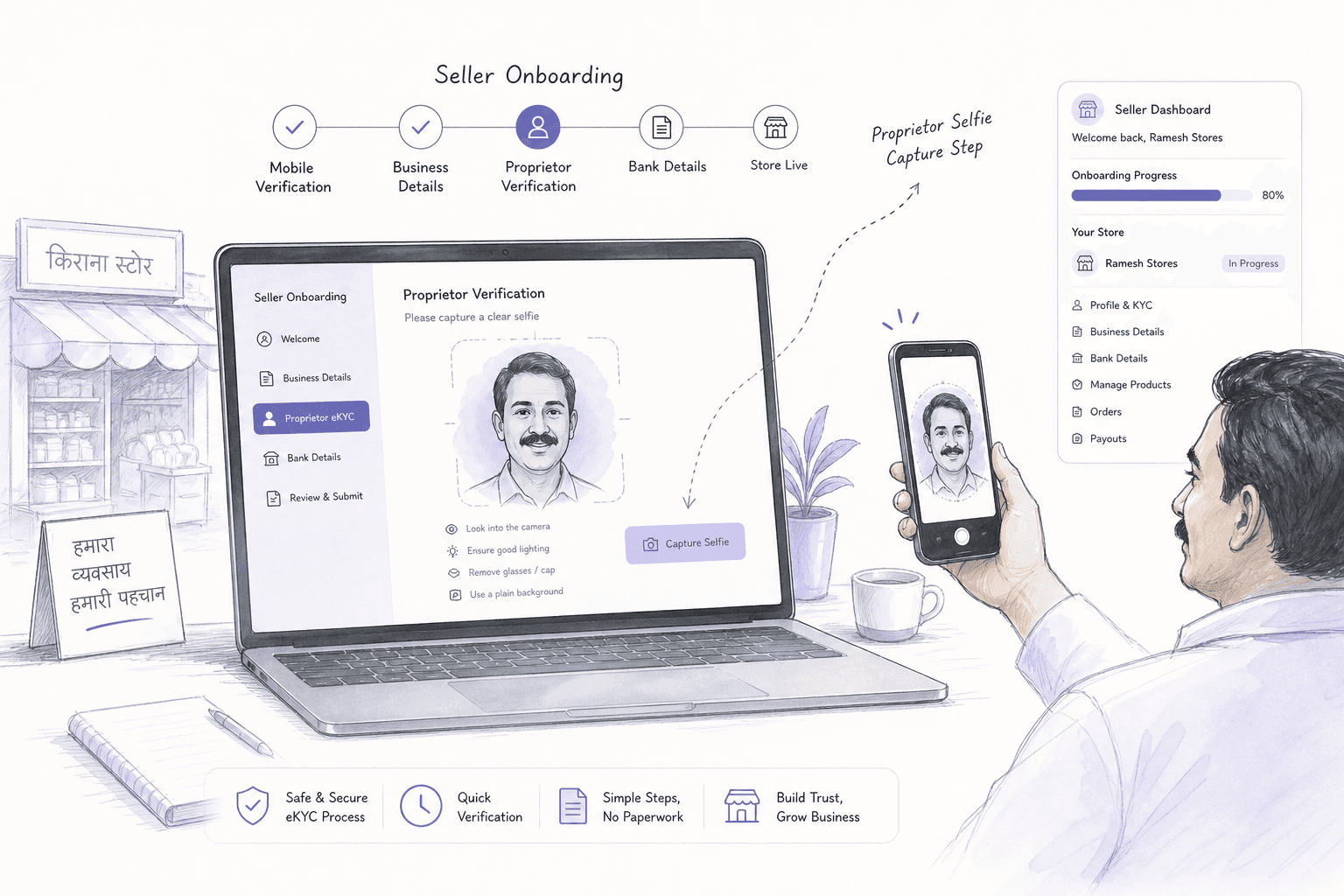
Light editorial illustration of a seller onboarding portal on a laptop with a proprietor selfie capture step.
AI-generated conceptual editorial illustration; not product UI or forensic evidence.
Powered byNeuroVerifyExplore the product
  • #1 of 36on the public VendorBench-100
  • <200 msp95 on eligible image requests
  • 6 → 1six checks, one unified score
  • 0new steps for your customer

The gap

A verified seller identity is only as good as the selfie behind it.

Seller verification usually has two halves. Business checks confirm a company or trading name exists. Identity checks confirm a person behind it: an ID document, a selfie and a liveness prompt, plus a face match. Together they decide whether payouts and listings are enabled.

Business registries and document checks say nothing about whether the selfie is genuine. A fraudster can register a real business using a stolen identity, and a deepfake selfie can make the proprietor appear present and matching.

Why it matters for sellers specifically

A typical seller verification journey

Register business → Upload ID → Proprietor selfie and liveness → Face match → Payouts enabled

A passed selfie unlocks payouts. If it was a deepfake, the real owner of the identity is unaware and the marketplace carries the loss and reputational risk.

Sellers also change often: payout accounts, bank details and contact information. Each change is a chance to re-run the same selfie check. See Seller Identity Controls for Marketplace Onboarding.

Threats

How scam sellers pass the identity step.

These are attack techniques, not claims about any specific marketplace. Each targets the face evidence behind an approved seller.

01

Stolen identity with a face-swapped selfie

The attacker holds a victim's ID and swaps the victim's face onto their own live video so the selfie matches the document.

02

Invented proprietors with generated faces

A synthetic face is paired with a fabricated ID and business details to create a seller who never existed. See Synthetic Identity Fraud.

03

Virtual camera feeding recorded video

Prepared footage is injected in place of the live camera, so the app never sees the attacker. See Digital Injection Attacks.

04

Rebuilding banned sellers

A seller removed for fraud returns under a new identity, using edited or generated selfies that differ enough to avoid duplicate checks.

05

Payout change after approval

Once a genuine seller is approved, an attacker passes a selfie re-check with a deepfake of them and redirects payouts.

06

Account resale to a front seller

A verified account is passed to someone else who passes later step-up checks with a manipulated selfie.

Rules for seller verification differ by region and sector. Authenticity evidence supports your controls and your trust and safety policy decides what to approve. See FATF Digital Identity Guidance.

Where NeuroVerify fits

Check the proprietor selfie before payouts are enabled.

NeuroVerify sits after the proprietor selfie is captured and before your policy enables the account. Your business verification and ID checks stay in place.

Without NeuroVerify

Register → ID → Selfie and liveness → Face match → Payouts enabled

A face-swapped selfie that matches the ID is approved.

With NeuroVerify

Register → ID → Selfie → NeuroVerify risk score → Face match → Payouts enabled or reviewed

One call is added. The seller sees no new step.

What runs in the request

Six signals run in one request: Visual Safety Screening, Live Presence Verification, Face Manipulation Detection, AI Generative Model Analysis, AI Pixel-Level Manipulation and AI Content Compliance. You get one unified risk score with signal-level evidence. See NeuroVerify.

What stays with you

Your business registry checks, ID verification, face match and approval decisions stay with you. NeuroVerify supplies authenticity evidence.

NeuroVerify Unified Trust LayerSix parallel analysis layers
  • Visual Safety Screening
  • Live Presence Verification
  • Face Manipulation Detection
  • AI Generative Model Analysis
  • AI Pixel-Level Manipulation
  • AI Content Compliance
01

Send the proprietor selfie

Pass the selfie or video from seller onboarding through a mobile SDK, a backend SDK or the REST API.

02

Read the unified score

Receive one risk score with signal-level evidence, typically under 200 ms p95 for eligible image requests.

03

Gate listings and payouts

Use your own thresholds to enable the account, hold it for review or ask for a step-up.

04

Re-check on risky changes

Run the same call on payout detail changes or reinstatement of a suspended seller.

What you get

What seller verification teams get.

Fewer scam sellers approved

Face swaps and generated faces are caught beyond liveness, before payouts and listings are enabled.

Protection for real identities

Fewer stolen identities are used to open seller accounts without the owner knowing.

Stronger re-checks

The same API protects payout changes and suspended-seller returns, not only first onboarding.

Reviewer-ready evidence

Signal-level evidence explains why a seller was held, which helps appeals and internal audit.

No added seller friction

Sellers take the selfie they already take. Onboarding conversion is not asked to absorb a new step.

Quick to add

Two lines to integrate and live in under 24 hours, with SDKs for mobile and backend stacks.

Questions

What teams ask before they integrate.

Does NeuroVerify verify the seller's business or documents?

No. It checks face images, video and audio for deepfakes and manipulation. Business registry checks and document verification stay with your existing providers.

Can we use it on payout or bank detail changes?

Yes. Any step that captures a selfie or video can send it to the same API. Many teams add it to high-risk changes as well as first onboarding. Your policy sets which events trigger a check.

We already run liveness. Why add NeuroVerify?

Liveness answers whether a live person appears to be present. It was not built to answer whether the face, video or audio was generated or manipulated. A face swap, a virtual camera feed or a synthetic video can still pass a liveness prompt.

NeuroVerify includes Live Presence Verification as one of six signals, then adds face manipulation, generative-model and pixel-level analysis in the same request. You keep your existing liveness step and add authenticity evidence to it. See Deepfake Detection vs Liveness Detection.

How hard is it to integrate?

Most teams send the media they already capture. There is no new step for the end user. NeuroVerify offers native mobile SDKs (Android/Kotlin, iOS/Swift, Flutter), backend SDKs (Python, TypeScript/Node.js, Go, Java), a REST API and an MCP server for AI agents.

Integration is two lines of code, and teams can be live in under 24 hours. That is a product claim; your timeline depends on your own change process.

How fast is it?

NeuroVerify targets under 200 ms p95 on eligible image requests, measured under defined test conditions. The test methodology is available on request, so you can compare it with your own latency budget.

Video and audio checks take longer than image checks. Share your media types during evaluation and we will confirm the expected timings.

Where can it be deployed, and how is data handled?

NeuroVerify can run as a managed cloud API, in a private cloud or customer VPC, as a secure container, on-premises, or air-gapped. Pick the option that fits your security review and data-residency rules. See Deployment and Product data handling.

Neural Defend holds ISO/IEC 27001, ISO/IEC 27701, ISO/IEC 42001 and SOC 2 Type II certifications, shown on the Trust page.

Who makes the final decision, and what about false positives?

You do. NeuroVerify returns one unified risk score with signal-level evidence. Your own policy decides what to approve, send to review or block. No detector is perfect, so set thresholds against your own risk appetite and review volume.

Because the evidence is signal-level, reviewers can see why a case was flagged instead of facing an unexplained score.

Evaluate NeuroVerify

Check your proprietor selfies before the next payout.

Send us seller selfie and video media and see the unified risk score and signal-level evidence on your own captures.